

Automation
Automation: Crews you choose, teach and trust, with a person approving each send.
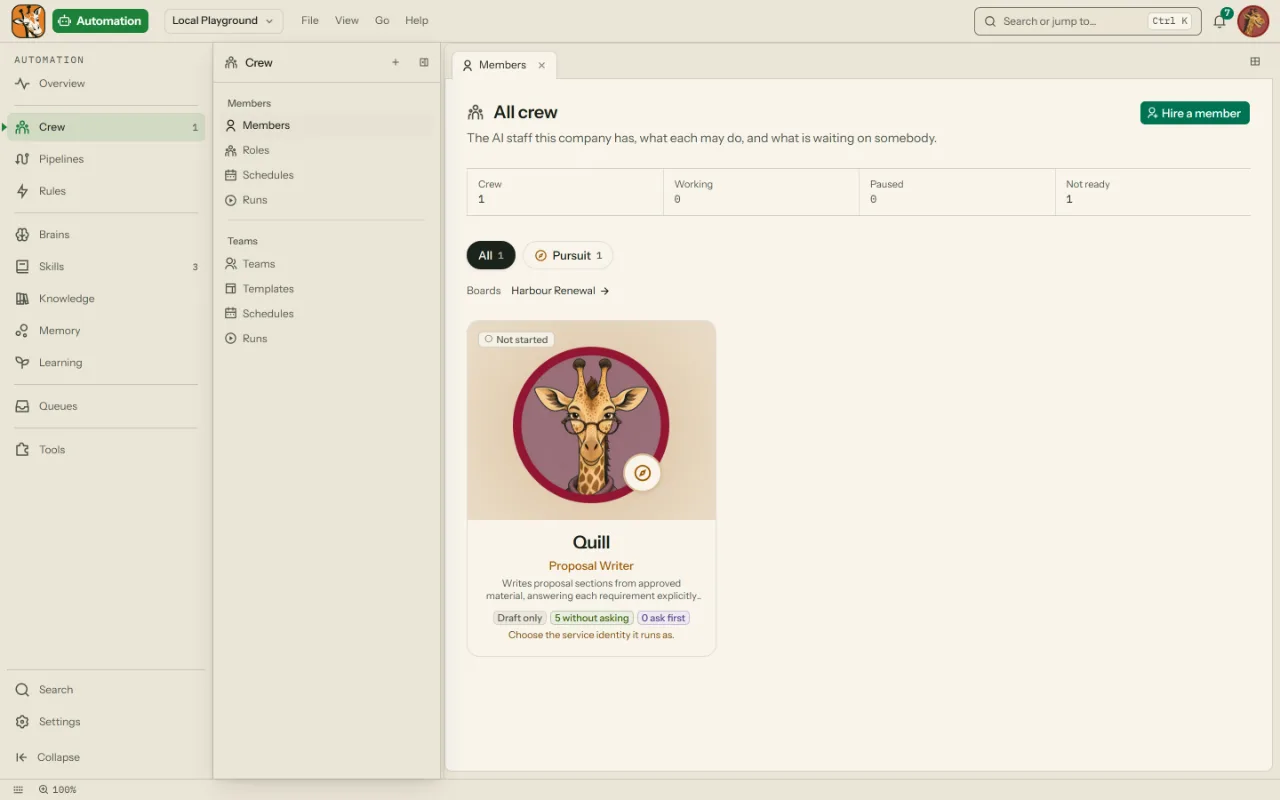
Automation is where you set up the crew. Give each member a role, publish the skills it follows, teach it what your company knows, and write down what it may never do.




01Where it sits
Where Automation carries the bid.




Automation
Capture
Notices arrive from SAM.gov on each saved search's schedule, or you add them by hand, and they wait in one review queue. Approving one files the opportunity and its project together, so nothing is half-filed.
Scout, Trace
Automation
Propose
The pursuit room keeps the opportunity with its response settings, its lists and the proposal itself: an outline and a document for each section. The crew answers from your files with citations and asks before it acts. Your writers decide.
Quill, Cipher, Vega, Tempo
Automation
Deliver
When the bid is won, the same project moves to Projects with its files, worklists, forms and agreements, and the team works it in its folders.
Atlas, Tempo
Automation
Close
A finished project is archived, read-only and out of the active lists. What the team learned goes into the Library, where the next bid can cite it.
Echo, Trace
02What is inside
What Automation holds.
- Crew members and fixed teams, each with a face, a role and a person it reports to
- Skills (published procedures), the Knowledge it is taught, and each member's own memory
- Pipelines with a workflow editor and run views, and teams that hand work from one member to the next
- Rules that check your records on a schedule
- Schedules, event triggers, and steps that wait for a person's approval
- One list of what every app and integration can do, behind one gate
Our crew, or your own
Start from roles built for common jobs, or design your own: the face, the role, what it is taught from and what it may do.
Spend you control
Model spend defaults to deny. Every call reserves its budget before it runs and stops at the limit.
Every action on the record
A crew member acts through the same gate as a person, and every action lands in one ledger you can read.
03The crew in Automation
Who works here.
Example crew members, set up the way a proposal team might. Each reports to a person and can do only what it was given.
See Automation for yourself.
Ask Jeeraph to show you Automation, and it brings up the real screens and says what each part is. Or book thirty minutes with the people who build it.